AI room paint visualizer
Try a new wall-color direction on your own room.
A swatch cannot show the relationship between a wall, your furniture and the room's light. Upload a photo and preview a new color mood before buying samples.
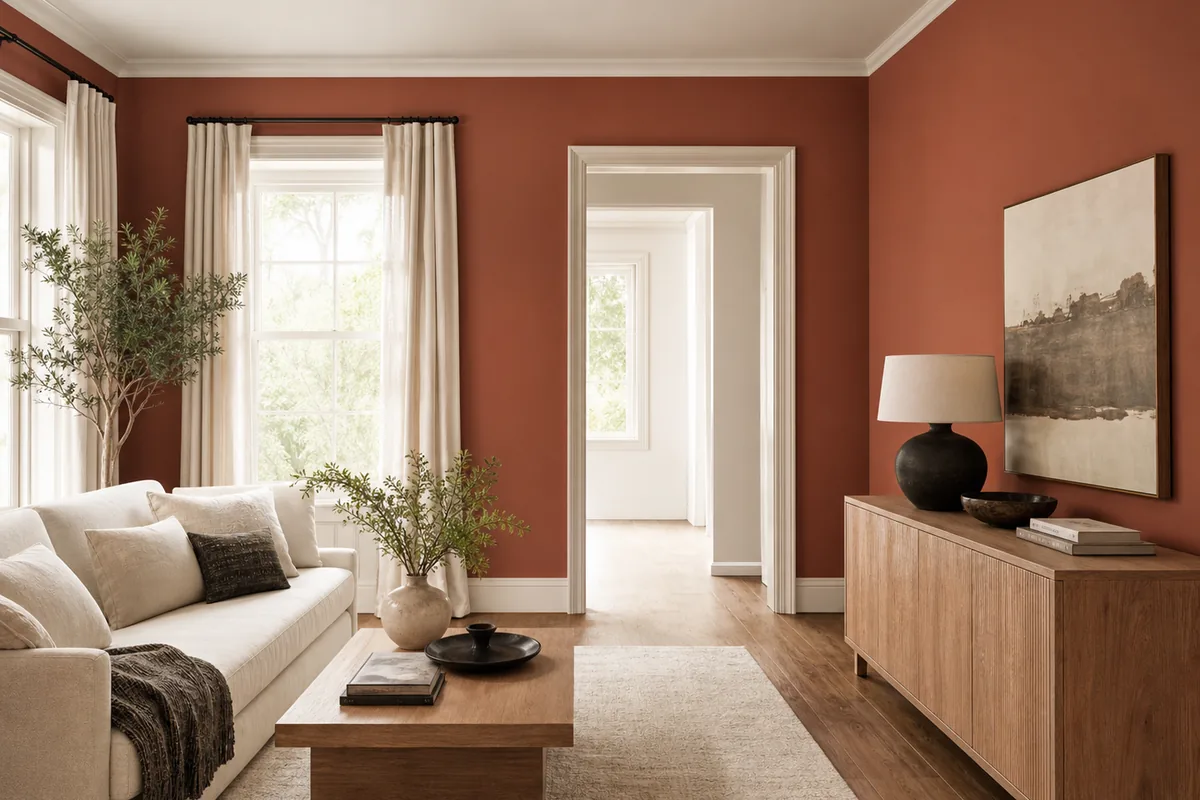
Color in the context that matters
Shortlist a paint mood before testing real samples.
Explore Warm White, Soft Sage, Muted Terracotta, Stone Beige, Deep Olive and Charcoal. The Paint tool helps compare the effect of a lighter, warmer, earthier or darker room; it does not replace a physical swatch or manufacturer color specification.
Your furniture stays in view
See a color direction beside the floor, upholstery, cabinetry and daylight visible in your room photo.
Focused change
Use the dedicated Paint tool when you want to explore wall color without asking for a complete redesign.
A faster shortlist
Rule out broad color families before collecting real chips, sample cards or tester pots.
What to explore
Color questions a photo preview can clarify
Use generated images to compare a direction and communicate an idea. Keep measurements, specifications and final decisions in the real-world planning process.
- Whether a room feels better light, earthy or dark
- How green, terracotta or neutral relates to existing furniture
- Whether a strong wall color overwhelms a small room
- A visual shortlist to compare with real paint samples
- Early wall-color ideas before a wider interior redesign
How it works
From one photo to a useful visual shortlist.
Use a neutrally lit photo
Turn off strong filters and photograph the wall in balanced daylight so the source image is not heavily tinted.
Choose a color direction
Select one of six curated color moods and generate a preview in the context of your room.
Sample the real paint
Test the actual product on multiple walls and review it morning, afternoon and evening.
Better input, better comparison
Practical photo and planning tips
- Disable display features that shift color temperature when comparing.
- Judge relationships to fixed finishes, not exact on-screen color.
- Use large physical samples because small chips can be deceptive.
- Check sheen, substrate and primer with the paint manufacturer.
Questions, answered
What to know before you visualize.
Can I visualize paint on a photo of my room?
Yes. Upload a room photo and use the Paint tool to preview one of six curated wall-color directions.
Does Room Style AI use exact paint brand colors?
No. The app explores broad color directions and does not claim a calibrated match to a manufacturer name or code.
Will it recolor only the wall?
The Paint tool is focused on wall color, but every result is AI-generated and should be checked for unintended changes.
How should I choose the final paint?
Narrow the color family, then compare real samples on several walls under changing natural and artificial light.
Keep exploring
More ways to visualize your home.
See the direction before you commit.
Download Room Style AI and create your first visualization free. No account required.
Try Room Style AI free